Their name. Their face.
Add your child's name, age and a photo. The story and its artwork are built around them.
Created on your iPhone with Apple Intelligence
Wickabee writes and illustrates a picture book starring your child, their friends and the lessons you care about. All of it on your iPhone or iPad.
Free · No accounts · Requires a device that supports Apple Intelligence
Every book starts with the people your child loves.
Add your child's name, age and a photo. The story and its artwork are built around them.
A best friend, the family dog, a little sister. Each one joins the adventure with a real part to play.
Pick up to three themes, like kindness or patience. They shape the plot instead of being announced in it.
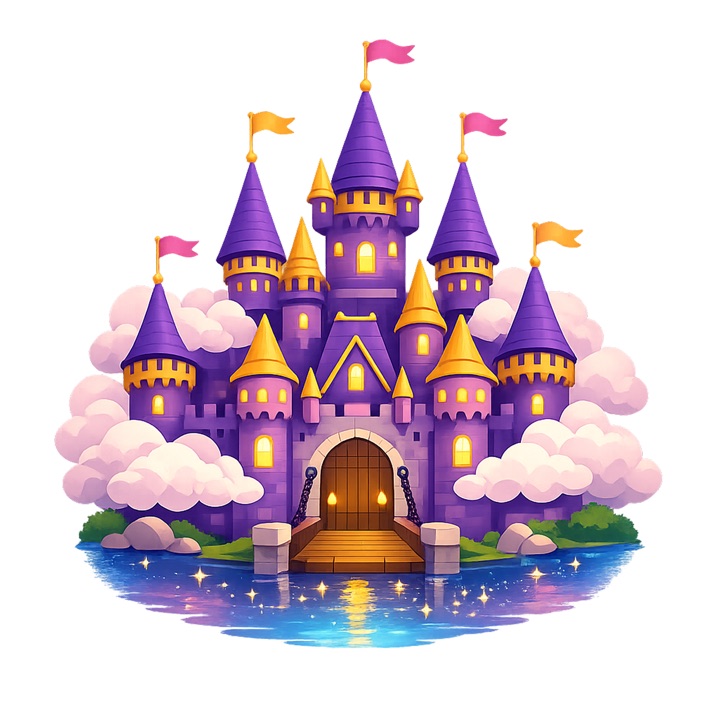

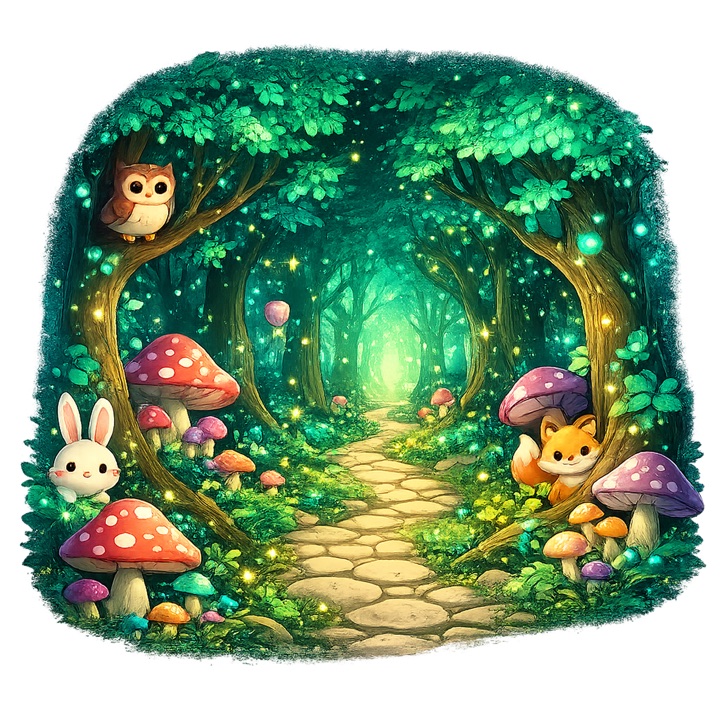
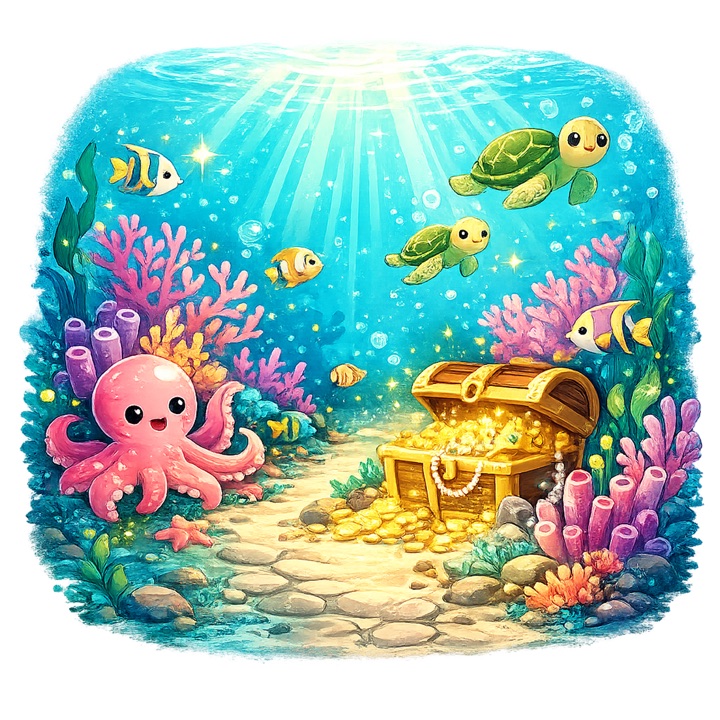

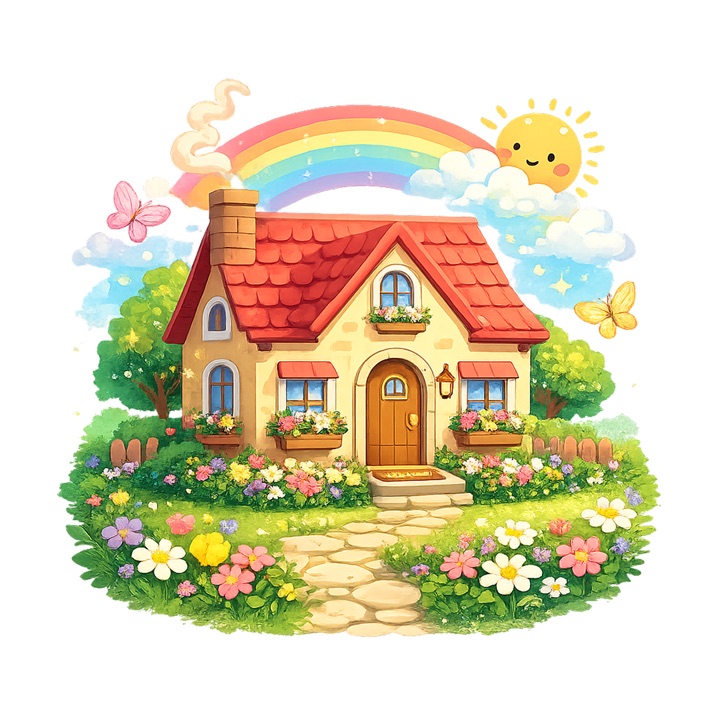
…or type “Grandma's garden” and watch it become a world.
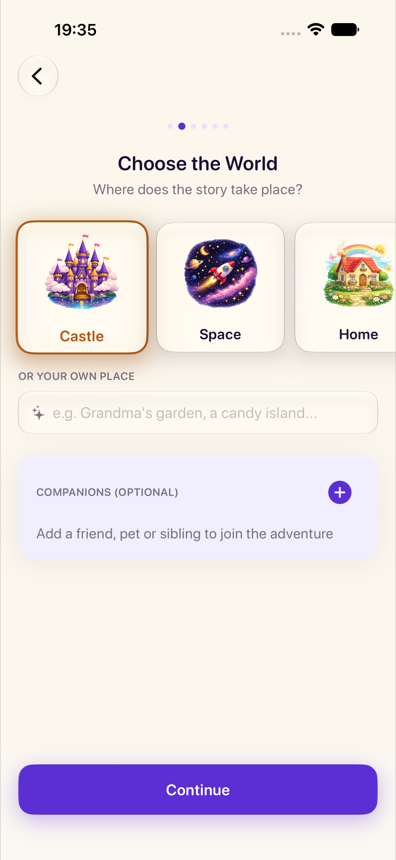
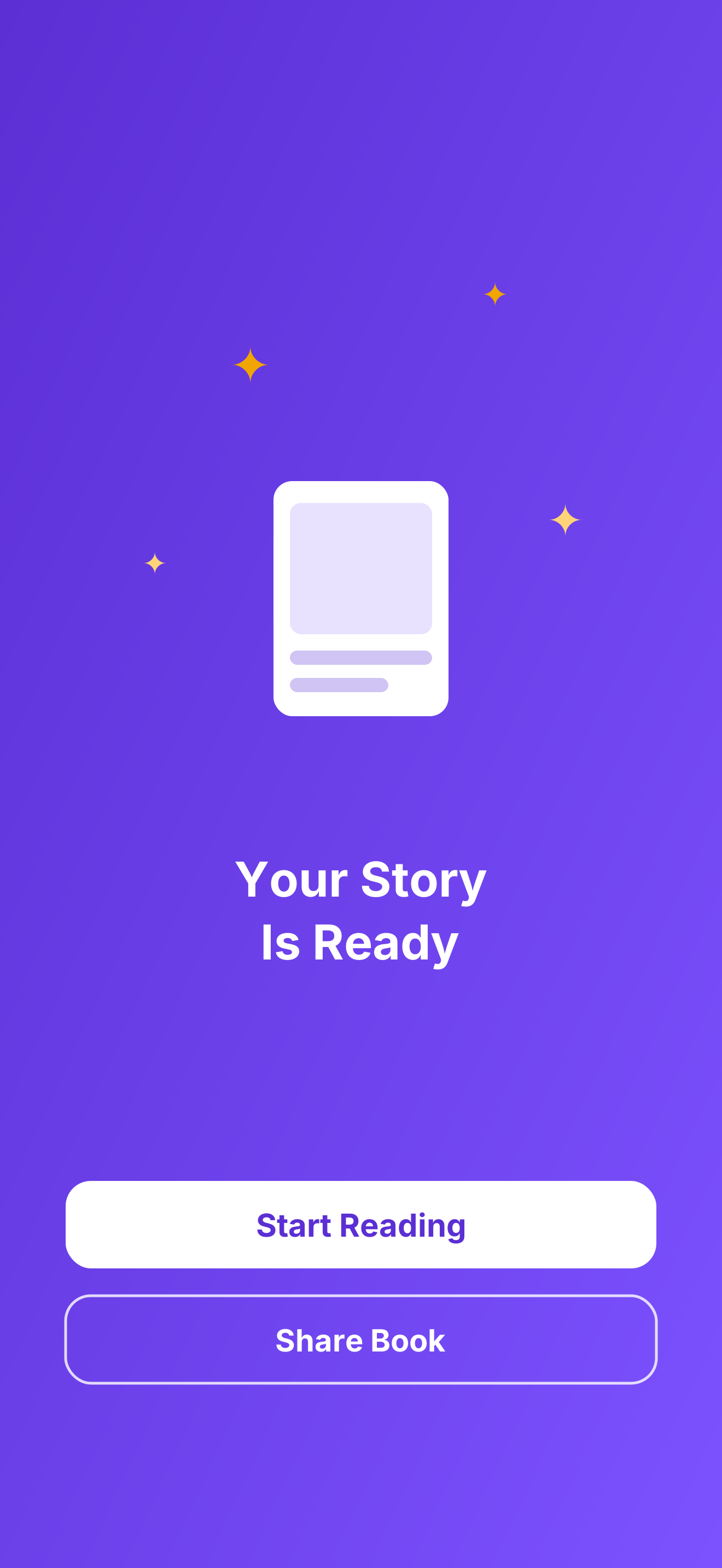
Name, age, a photo, the world and the friends who come along. Four playful steps.
A real story with a goal, a setback and an ending that feels earned. Created privately on your device.
Create the artwork in Image Playground, then read together with page-curl turns. Or send the finished book as a PDF.
Nothing appears in front of your child until you've seen it. You choose the hero, you approve every illustration, and you decide whether the book is worth keeping.
You create the book, read it through and can delete or regenerate it. The story is finished before story time starts.
Illustrations are made in Apple's Image Playground, where you review each one before accepting it, or ask for another.
Wickabee screens what you type before it ever reaches the model, and Apple's own safety guardrails screen what comes back.
Sentence length, vocabulary and story length adapt to 3–5, 6–8 or 9–12. Mild suspense is allowed; fear, cruelty and peril are not.
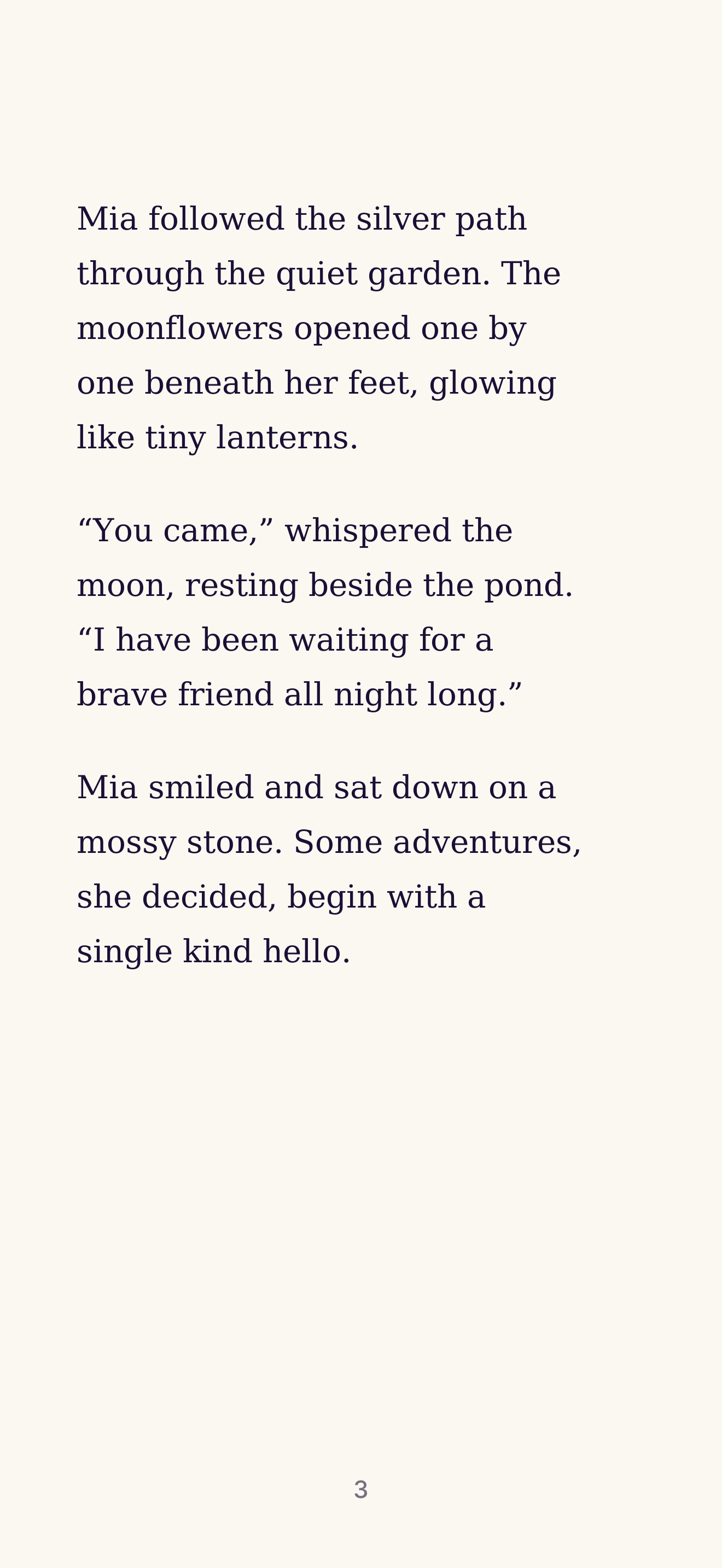
Mia followed the silver path until she found the moon resting beside a quiet pond, too tired to climb back into the sky.
“I've been up there a very long time,” the moon said, and its light wobbled like a candle. Mia thought about the days she didn't want to get out of bed either. So she didn't pull, and she didn't push. She sat down on the wet grass and told the moon about her week until it stopped feeling so heavy.
When the moon finally rose, it went slowly — and it took the shape of the small, stubborn girl who had waited with it.
Stories are created on your device, or with Apple's privacy-preserving Private Cloud Compute. Your photos, names and books never reach our servers — because we don't have any.
“I made Wickabee for my own kids — bedtime stories where they are the heroes, with their names, their pets and the little lessons we were trying to teach them. It worked so well at home that I decided to share it with everyone. For free.”
iOS 26 or iPadOS 26 on a device that supports Apple Intelligence: iPhone 15 Pro or any iPhone 16 and later, iPad Pro or iPad Air with M1 and later, or iPad mini with A17 Pro. Apple Intelligence also has to be switched on in Settings.
Yes. No subscriptions, purchases or hidden costs. Wickabee uses the Apple Intelligence that is already part of your device, so there are no server bills to pass on to you.
Wickabee is in English for now. More will follow, but a language only ships once both the stories and the whole interface are ready in it — a story in one language with buttons in another is worse than waiting.
Wickabee writes a complete multi-part story, plans the illustrations, and creates each image with your review in Image Playground. Good books take a moment — that's the honest cost of making them on your device, privately.